 Transmittal Manager
Single user
$49
one-time payment
- 1 user licence
- Every feature
- Free 1.x updates
- Email support
Keep your drawing registers, revision transmittals, cover letters and issue logs in one desktop app for Windows and Mac. Send clean, branded documents in minutes, not an afternoon in Excel.
14 days, every feature, no credit card · Windows 10 & 11 (64 & 32-bit) · macOS 11+ · English, العربية, Français, 中文, Русский
Also for: Windows 32-bit Mac (Apple Silicon) Mac (Intel) Windows 64-bit
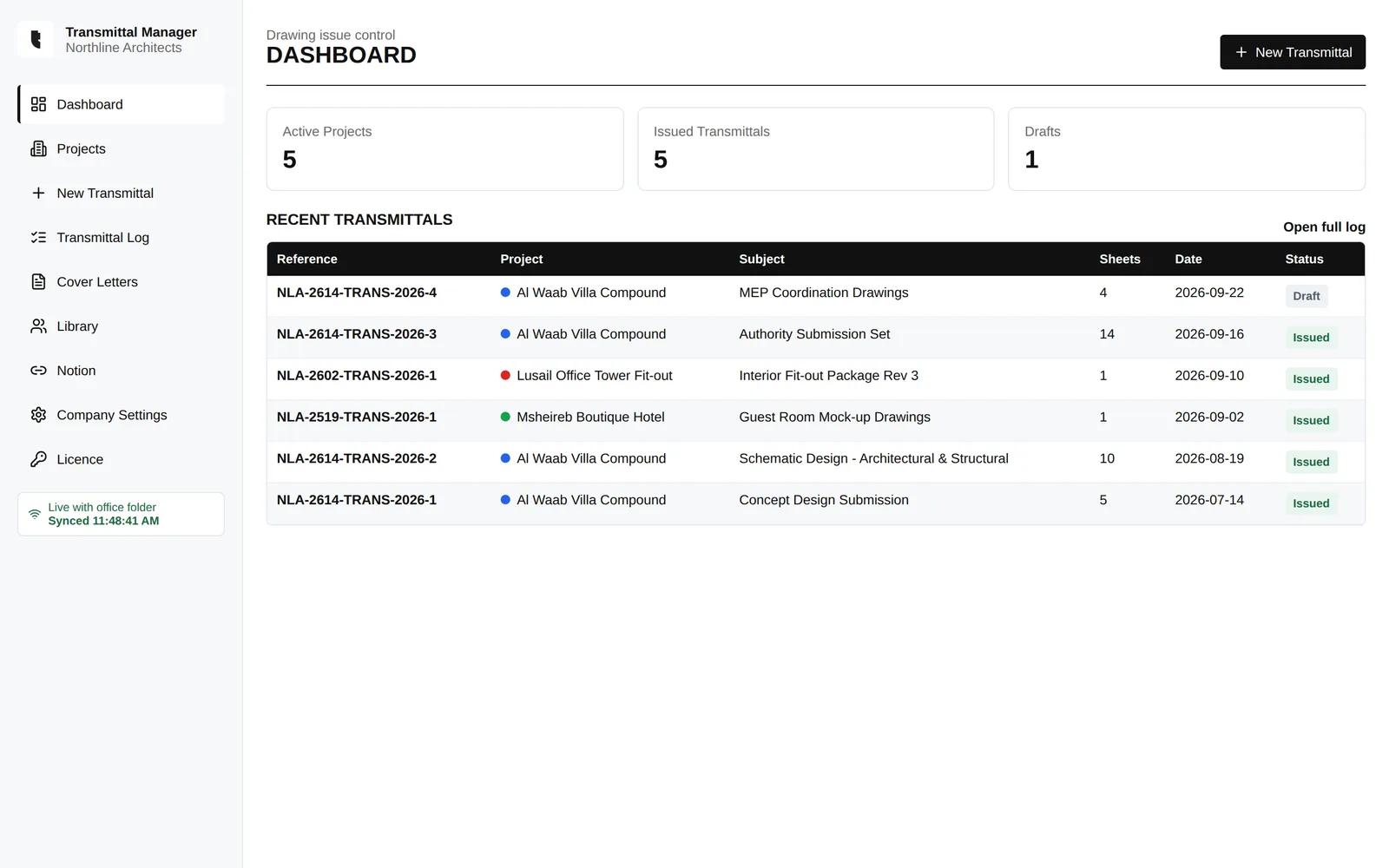
Set up each project once. From then on, every submission takes a few clicks and every revision is tracked for you.
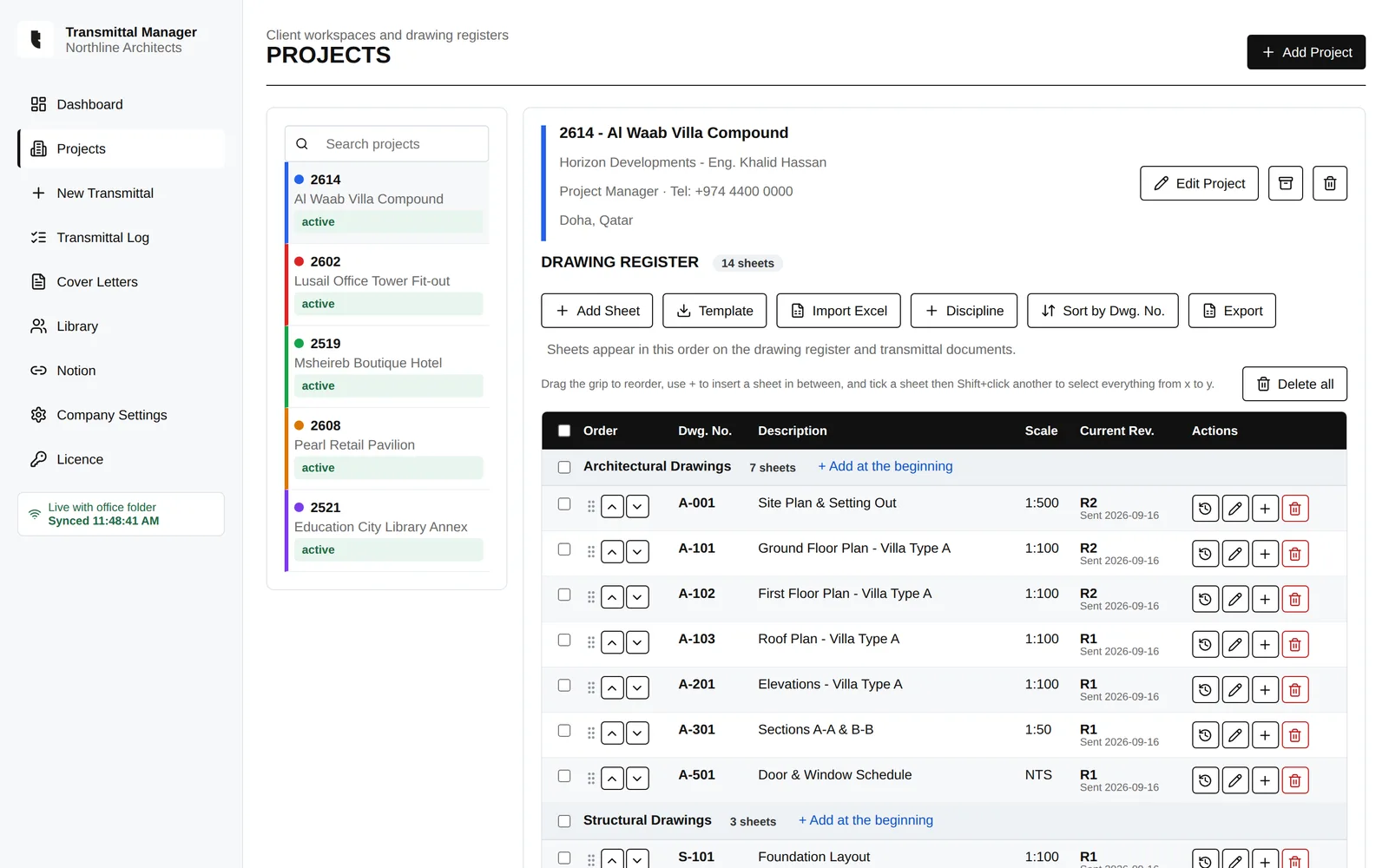
Sheets are grouped by discipline, with current revision, scale and the last transmittal each one went out on.
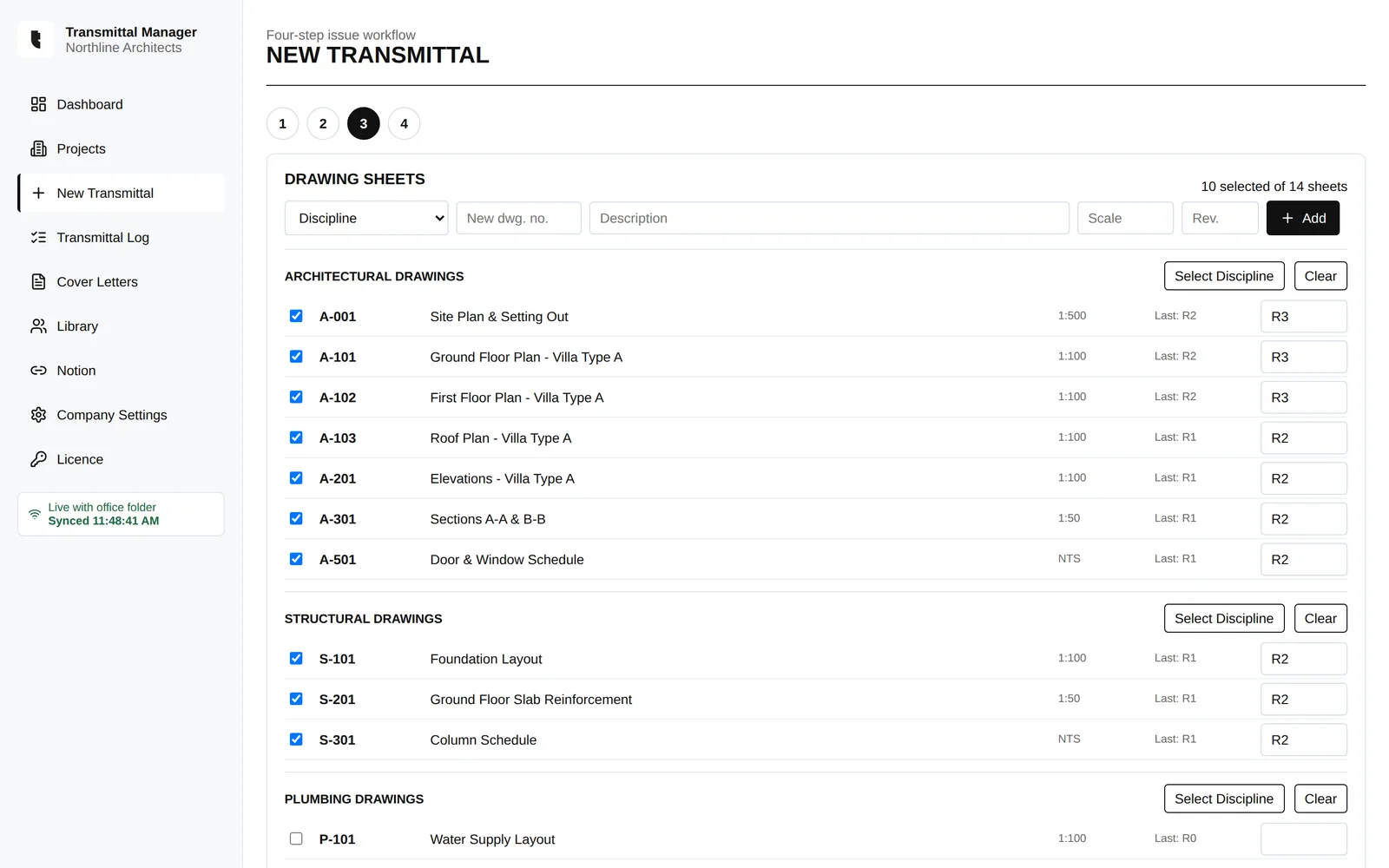
Pick the project, fill in the recipient, tick the sheets and set the new revisions. References are numbered for you.
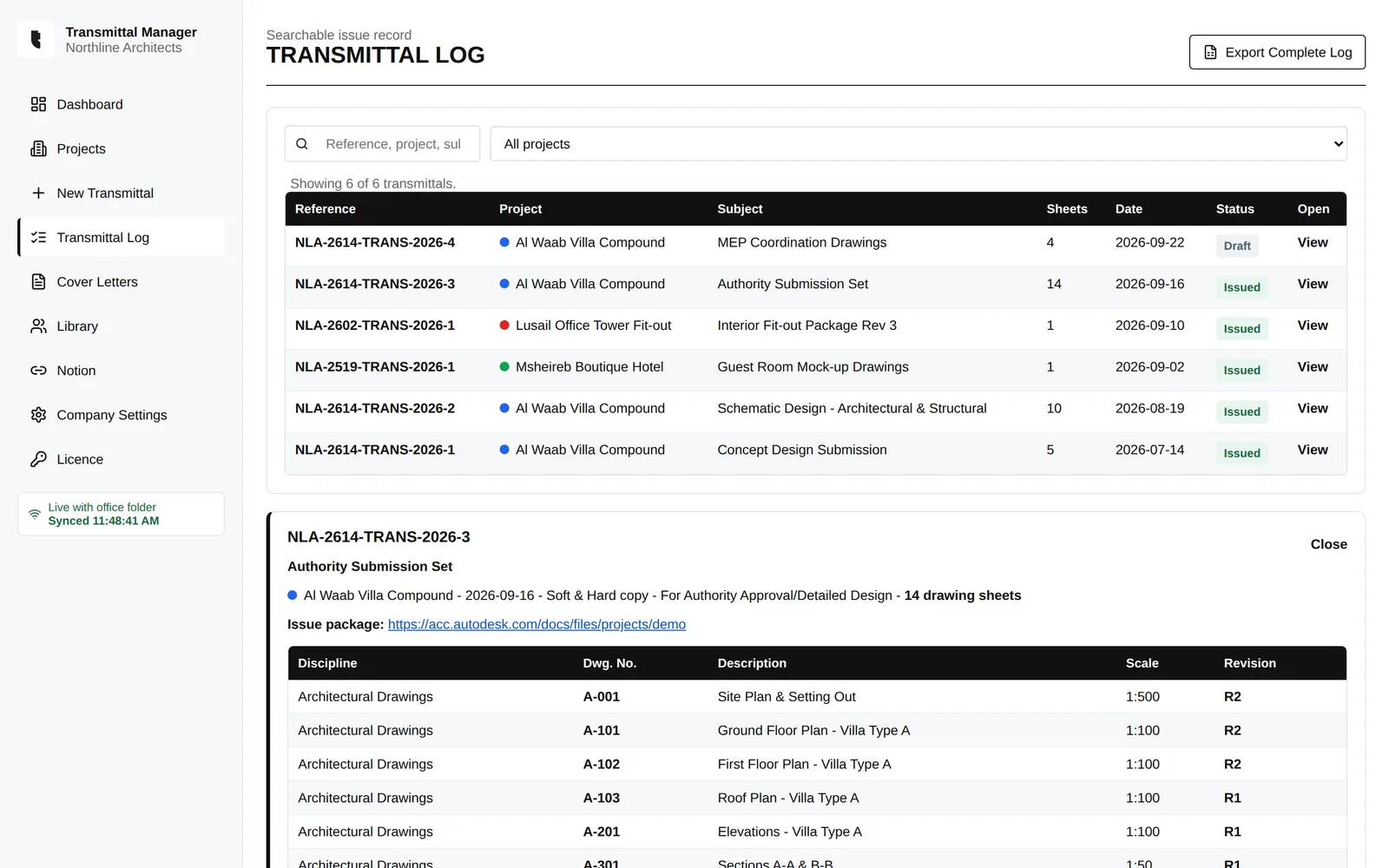
Find any submission by reference, project or subject, and see exactly which drawings and revisions it contained.
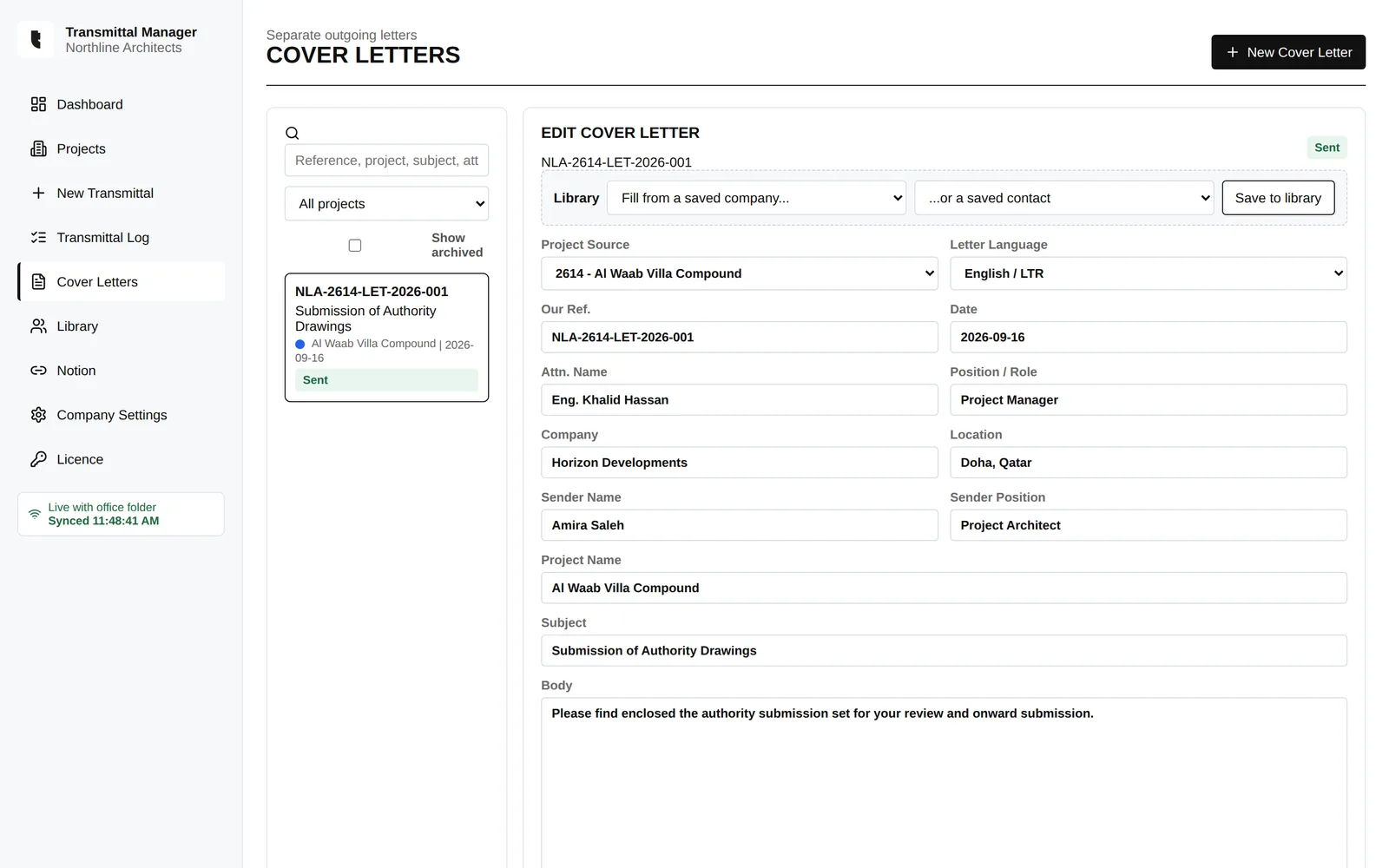
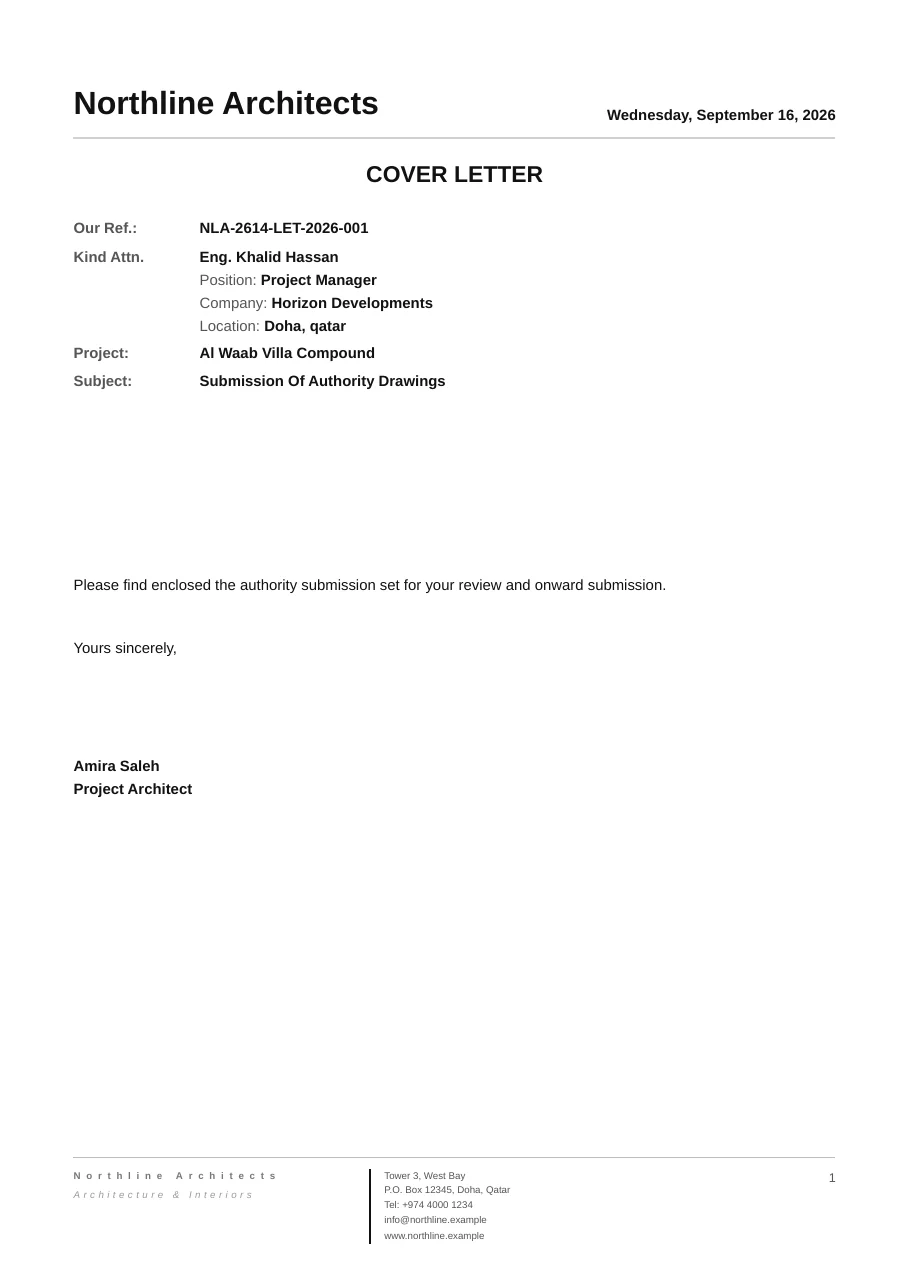
Write outgoing letters with automatic references and your letterhead. Arabic letters come out right-to-left, correctly laid out.
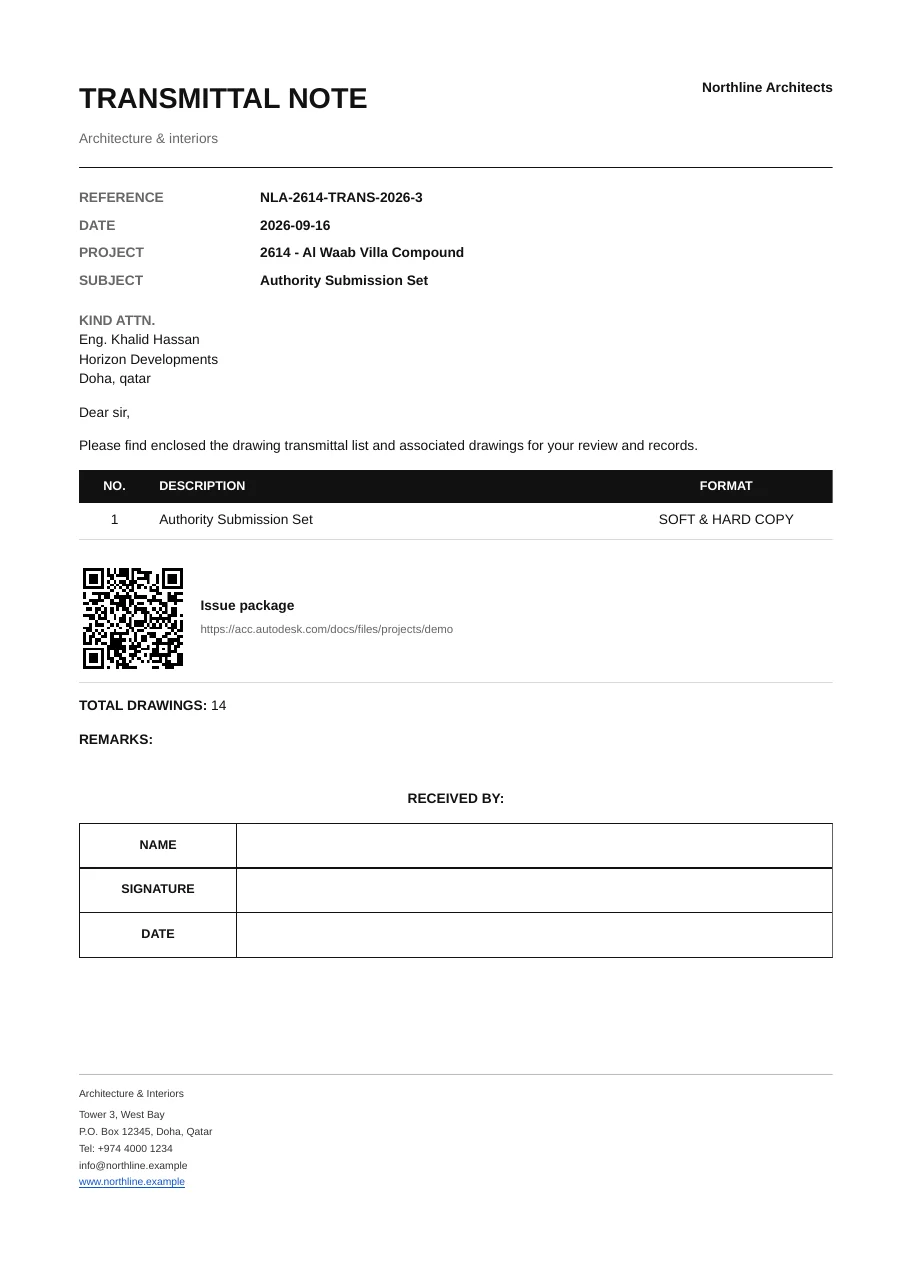
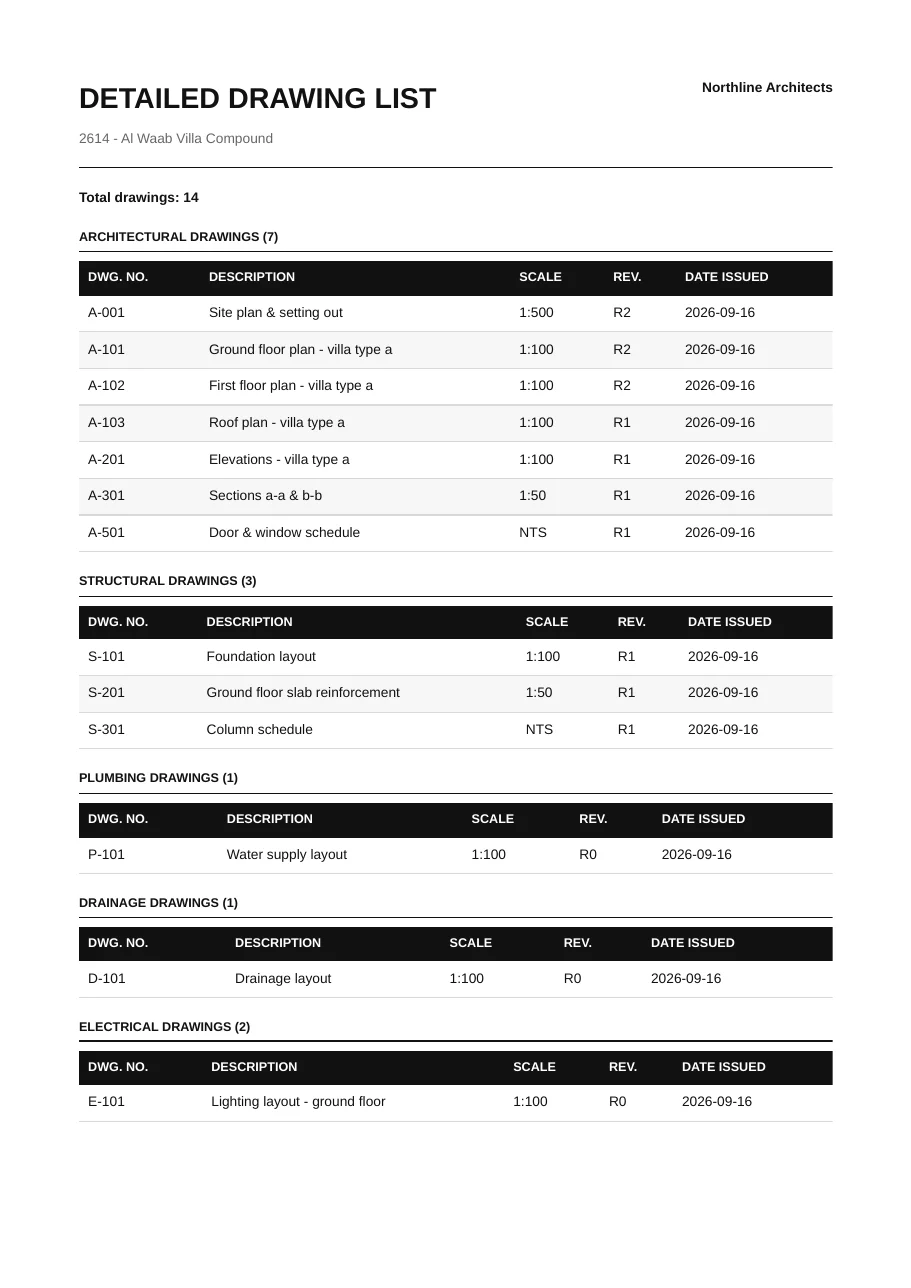
Every export carries your company name, logo and contact details. These are real exports from the app.
Client, contact and disciplines, set up once.
Add sheets or import them from Excel.
Tick sheets, set revisions, export all three documents.
Attach the signed copy. The log updates itself.
A normal desktop app for Windows and Mac. No logins, no browser tabs, no outages.
Point every PC at one server folder. Changes sync between colleagues within seconds.
One database file on your own PC or server, backed up in one click. We never see it.
Every revision of every sheet is tied to the transmittal it went out on.
Store package links and server paths with the record, and open them in one click.
English and Arabic letters, with reference numbering you set to your office's format.
No subscription. Each licence covers one user and includes every 1.x update. Launch pricing for early customers.
$49
one-time payment
Most popular
$179
one-time · $36 per user
$299
one-time · $30 per user
30-day money-back guarantee. Prices in USD; local tax added at checkout where it applies. Pay by card, PayPal, Apple Pay or Google Pay.
Nothing is lost. Your projects, registers and logs stay viewable and you can still back them up. Creating, issuing and exporting new documents needs a licence.
It's emailed to you straight after checkout. Paste it into Licence in the app's sidebar. It activates online once, then works offline.
Yes. Point every PC to the same server folder in Company Settings and everyone works from the same registers and logs. Each person using the app needs their own licence.
No. It's a standalone Windows and Mac app that works alongside any CAD or BIM tool, and stores links to Autodesk Docs, ACC, BIM 360, SharePoint, OneDrive, Dropbox and Google Drive.
Open Licence and choose Move licence to another PC, then activate on the new machine. If the old PC is gone, email us and we'll reset it.
Yes, within 30 days of purchase, no questions asked. See the refund policy.
Yes. Email support with the number of users and your company details.
Download the free 14-day trial and import your first drawing register today.
Also for: Windows 32-bit Mac (Apple Silicon) Mac (Intel) Windows 64-bit